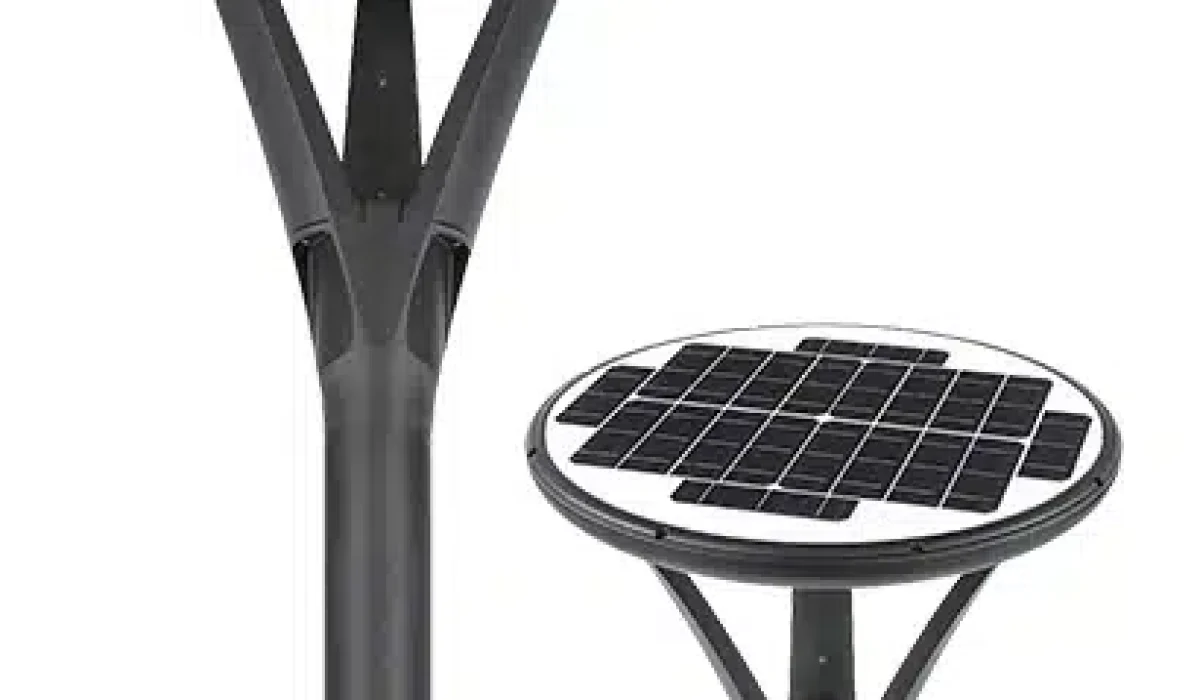
Application scope: This is a general solar garden-light guidance article, not a model-specific Sunlurio operating manual or a verified personal installation diary. Buyers must check the supplied SKU, remote-control functions, actual PV/battery size, site shading and safe maintenance instructions.
Remote-controlled solar garden lights can offer adjustable output, schedules and convenience where supported by the specified controller. The correct operating sequence depends on the delivered model and its approved user manual; these general tips are not a substitute for it.
Why Choose Solar Garden Lights with a Remote Control?
Remote control can simplify commissioning and periodic operating changes where the delivered luminaire supports it. Confirm receiver location, control range, battery type and model-specific mode table before use.
- Operator convenience: Where supported, a remote can change settings without directly reaching the luminaire; it may still require clear line of sight or a limited range.
- Energy management: A standalone PV light need not purchase grid electricity for its lighting load, but battery replacement and service costs remain. Remote modes affect nightly Wh use.
- Operating modes: Select permitted color, output or timing features from the exact controller’s documented functions; not every garden light supports all modes.
Place Them Where Sunlight Works Hard for You?

Shading check: For solar garden lighting, inspect the actual sun path, nearby trees, buildings and seasonal obstructions. A shaded PV module may produce too little energy for the selected nightly mode; the former Japanese-maple anecdote is not a documented field test.
Placing solar panels3 with sufficient unshaded solar exposure4 for the actual module and load is crucial; six-to-eight direct-sun hours is not a universal requirement.
- Identify shade from walls, branches or seasonal obstructions. Energy loss depends on the shaded cell/string pattern, PV module, irradiance and controller; no universal 50% loss applies.
- Orient and tilt PV modules for the installation latitude and sun path, considering site obstructions, local hemisphere, mounting and manufacturer limits.
- Moving a PV module away from shading can improve nightly charging, but an earlier 30% operating-time increase is not supported by identified project measurements. Recalculate operation hours from Wh charged, actual dimming and usable battery Wh.
Shading and solar assessment: These settings are site conditions to inspect, not fixed daily sunlight-hour results.
| Site position | What to check | Decision basis |
|---|---|---|
| Open location | Actual solar exposure by season and module orientation | Calculate the worst-month PV yield against nightly Wh |
| Adjacent to hedges/trees | Moving shade across module cells and charging-period obstruction | Relocate or resize only after site survey |
| Covered patio | Obstruction extent and allowable mounting alternatives | Do not promise autonomy without an unshaded PV source |
PV soiling: Check deposits, leaves and shade before assuming a battery fault. Clean using the module’s approved method; any change in charging performance should be confirmed by monitored data rather than an anecdotal visual comparison.
Make the Most of Your Remote Control Features?
Controller functions: Verify the actual remote-control protocol, pairing instructions, firmware version, effective range and the available functions on the supplied SKU.
- Brightness control: Where supported, select an approved lumen output or dimming level and check its battery-energy implications.
- Timer settings: Use the actual controller’s schedule, dusk/dawn detection and default settings. Incorrect hours can exceed the usable battery budget; a universal one-am setting is not recommended.
- Sensor modes: If the offered model has PIR or radar sensing, verify detection range, standby light level and control settings. Motion-triggered lighting must meet any required minimum pathway lighting.

Short-runtime troubleshooting: If a garden light dims early, check actual remote mode and schedule, battery usable energy, BMS protections, PV shading/soiling, temperature and connections before attributing the fault to battery aging.
Keep Panels and Fixtures Clean?
Even short periods of rain and sunshine can leave modules shaded or soiled. Diagnose recorded PV charging and controller settings before assuming dust is the cause of poor output.
For the delivered model, check the following:
- Cleaning solar panels3 in accordance with the module’s instructions and site soiling instead of a mandatory monthly interval.
- Checking fixtures after heavy winds or storms — sometimes spider webs block the sensors!
- Inspecting cracks, seal condition and cable entry. Isolate and assess damaged electrical assemblies using the manufacturer’s approved service process.
Maintenance intervals are site-specific: Follow the supplied manual, local soiling and observed operation rather than any universal monthly schedule.
| Inspection item | Condition to verify | Action |
|---|---|---|
| PV surface | Visible soiling, debris or low normalized charging performance | Clean according to the module instructions |
| Fixture/remote/sensor | Damage, contamination, loose connections or incorrect settings | Use the approved installation and controller SOP |
| Enclosure | Cracks, damaged seals or ingress | Isolate and obtain approved repair or replacement |
PV cleaning may improve charging where dirt is limiting irradiance, but the effect must be checked using actual solar and operating conditions; no fixed service benefit is assumed.
Take Care of the Batteries?
If the lamp operates for fewer hours than required, consider PV shading/soiling, reduced charging, incorrect controller mode, damaged connectors and battery/BMS issues. Battery failure must not be assumed to explain 90% of field cases.
- Let batteries fully charge on sunny days whenever possible.
- In winter, confirm the permitted battery charging temperature and select an approved dimming profile for longer nights; never assume operation through low-sun periods without an energy budget.
- Replace the specified battery only according to its approved capacity/end-of-life criteria and safe service instructions. The correct interval varies by chemistry, cycles, ambient temperature and warranty; no universal 1–2-year replacement schedule applies.
For a cold-climate installation, check charging restrictions, usable Wh at temperature and the actual night-length and dimming profile. The former northern-Germany customer anecdote is not supported by a dated test or identified model record.
Use Lighting to Shape Your Garden’s Look?
In a garden or managed public space, landscape lighting can provide wayfinding and decorative accents. Choose actual luminance/illuminance, glare control, spill-light limits and correlated color temperature for the intended use.
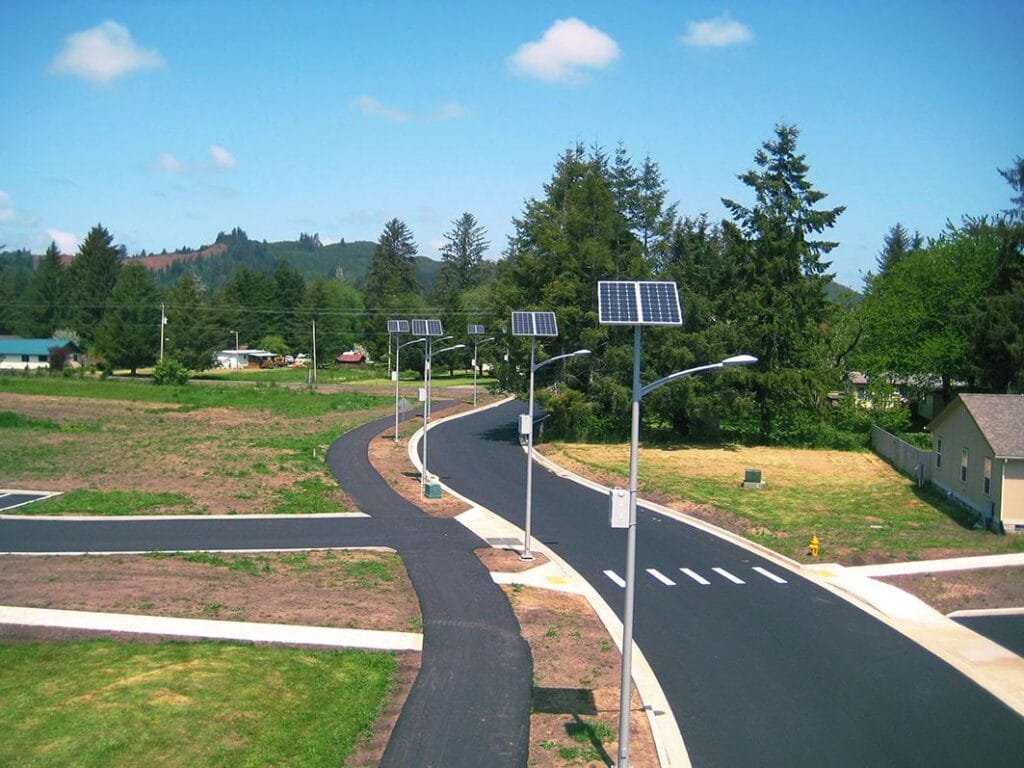
- Path lighting: Select appropriate maintained lighting, beam distribution, glare protection and accessibility conditions for walkways.
- Accent lighting: Aim suitable low-glare optics at approved architecture or landscape features.
- Optional scene modes: Use documented color and dimming functions only if included in the delivered controller.
| Lighting Type | Purpose | Typical Design Check |
|---|---|---|
| Pathway lights | Safety & guide | Lead guests from gate to patio |
| Accent lights | Highlight | Focus on garden statues, trees |
| Bright/party | Entertainment | Used for celebrations |
Landscape appearance is subjective. Use a site mock-up, buyer feedback or lighting layout instead of an unattributed family testimonial.
Adjust as Your Garden Grows?
Seasonal vegetation growth may shade solar modules, change beam distribution or obstruct sensors. Include inspections and approved adjustments where the original lighting layout could be affected.
- Check your layout every few months.
- Adjust for plant growth so you don’t end up with hidden or blocked panels.
- Verify the mounting location and permissible aim adjustment against stability, the recommended PV tilt and the required lighting task.
Seasonal landscaping can change lighting needs; do not change poles, fixings or electrical interfaces without checking the manufacturer’s allowed adjustments.
Common Issues: Model-Specific Diagnostic Checks
Use a repeatable model-specific diagnostic sequence before replacing the battery, controller or remote.
- Light won’t turn on? Check for dirt, battery health, and whether the remote works properly.
- Dim lights? Clean panels, check placement, and replace batteries if needed.
- Timer problems? Check the remote battery, receiver pairing, saved settings and controller schedule according to the model-specific product guide.
Benefits of Optimizing Your Solar Garden Lights

Outcomes to evaluate when configuring solar garden lights include:
- Lower maintenance costs8: Fewer replacements and battery7 purchases.
- Appearance: Obtain buyer feedback or a mock-up for the intended lighting effect.
- Greener footprint: Fully powered by renewable energy.
- Remote use: Confirm the permitted control range, water protection and actual mode functions.
Conclusion: Light Up Your Garden the Smart Way
Remote control solar garden lights are more than just decorative — they’re a smart way to express your style, stay eco-friendly, and enjoy your space to the fullest. By paying attention to placement, maintenance, and creative use, your backyard can become your favorite "room" in the house.
For managed garden, campus or pathway lighting, match actual controller features, product installation drawings and energy resources. Submit a project BOQ for preliminary lighting review when a formal engineering specification is required.
Frequently Asked Questions
How long do solar garden lights1 last at night?
Nightly operation depends on usable battery Wh, actual LED input and dimming schedule, PV charging, temperature and controller settings; there is no universal 8–12-hour autonomy.
Can solar lights9 stay outside in winter?
Yes, but lower brightness and occasional snow clearing help maintain performance.
How do I know when to replace the battery7?
If a unit dims early, verify PV charging, controller schedule, BMS status and model-specific capacity criteria before replacing the battery.
Do I need to turn solar garden lights1 off manually?
Not at all. You can set timers, use built-in sensors, or simply rely on the remote control when you want to manage them manually.
Explanatory Notes
- Find recommendations for garden lights that enhance your outdoor living.
- Explore the advantages of solar garden lights to enhance your outdoor space sustainably.
- Get tips on effectively installing solar panels for maximum efficiency.
- Find out the sunlight requirements for optimal solar panel performance.
- Discover how strategic lighting can transform your garden’s appearance.
- Learn how motion mode can add security and fun to your outdoor space.
- Explore maintenance tips to extend the life of your solar light batteries.
- Learn strategies to minimize maintenance costs and maximize the lifespan of your solar lights.
- Discover top-rated solar lights that can transform your garden into a beautiful space.