Missing inputs are recorded as Input Pending or Engineering Review Required rather than replaced with generic values.
Country/city · site type · site dimensions · site plan/CAD if available · parking layout · access and circulation routes · pedestrian routes · entrances/exits · proposed pole positions · landscape/obstructions · sensitive boundaries
Existing poles/luminaires · proposed mounting height · target lighting criteria · uniformity · glare/spill requirements · operating hours · dimming schedule · maintenance-factor basis
Grid availability · voltage/frequency · solar consideration · existing electrical infrastructure · zone/smart-control requirement · emergency or security mode where specified
BOQ/specification · required DIALux/Relux · matched IES/LDT · drawings · certificates/test documents · inspection and acceptance requirements
Wattage alone is insufficient. Site geometry, pole height, spacing, optic, uniformity, glare and operating profile must be reviewed together.
One site can contain several lighting tasks. Start with the zones that actually exist, then confirm criteria, mounting, optics, aiming, glare limits and operating schedules for each zone.
Not every project requires every zone.
Review parking geometry, aisle direction, parked-vehicle shadowing, pole positions, overlap, uniformity and glare.
Review lanes, turns, ramps, intersections, route continuity, driver view and transitions between zones.
Review paths, crossings, steps/ramps, landscape obstructions, building interfaces and operating periods.
Coordinate gates, barriers, canopies, doors, signage, camera requirements and brightness transitions.
Where present, review service vehicles, pedestrian interaction, task areas, canopies, aiming and operating schedules.
Where required, review boundary orientation, spill/trespass light, neighbouring properties and the project security brief.
Where specified, coordinate camera location, field of view, recognition objective, glare/contrast and criteria supplied by the security/camera designer. Lighting can support project-defined visibility requirements; it does not guarantee security, crime prevention or camera recognition.

May be evaluated for circulation lanes, access roads and repeated pole-mounted routes. Confirm geometry, mounting, target criteria, optic, voltage and control. View LED Street Light.
May be evaluated for open parking, loading, perimeter or irregular areas where beam and aiming control are required. View LED Flood Light.
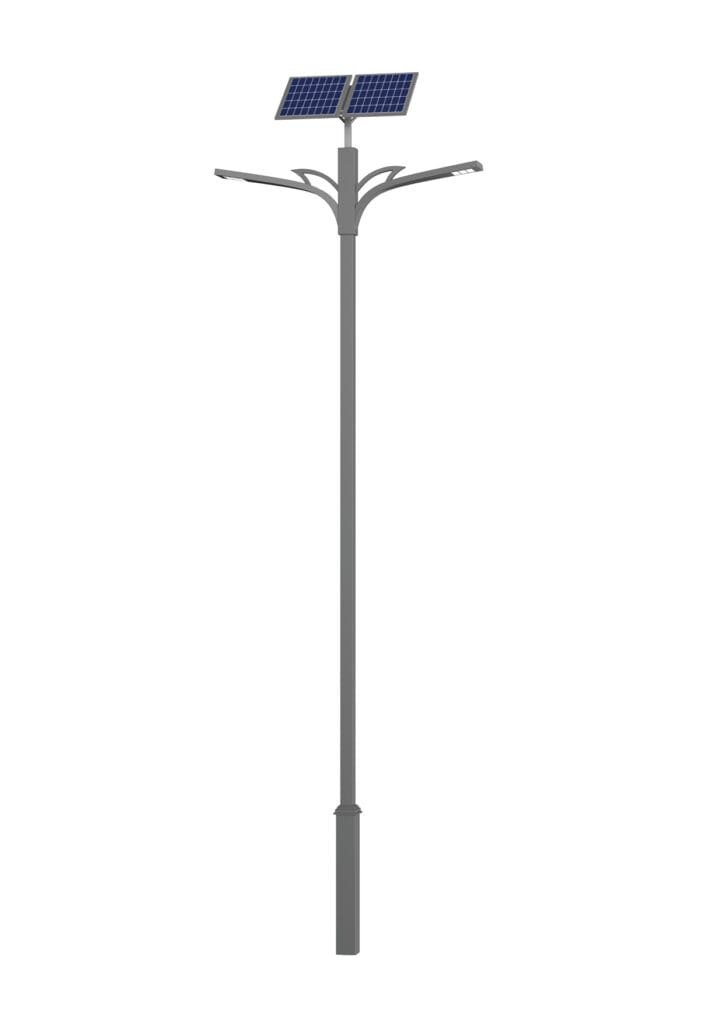
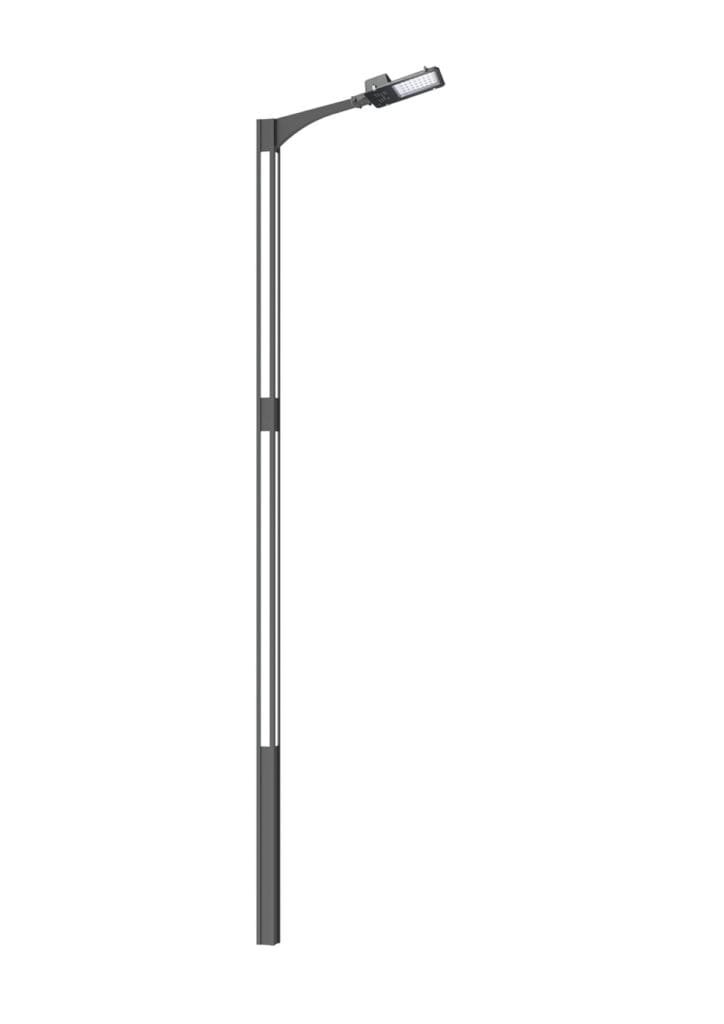
Review mounting positions, height proposal, setbacks, arms, loads, wind, corrosion, access, foundations and site conditions. No universal height, spacing or foundation value is issued here. View Lighting Pole.
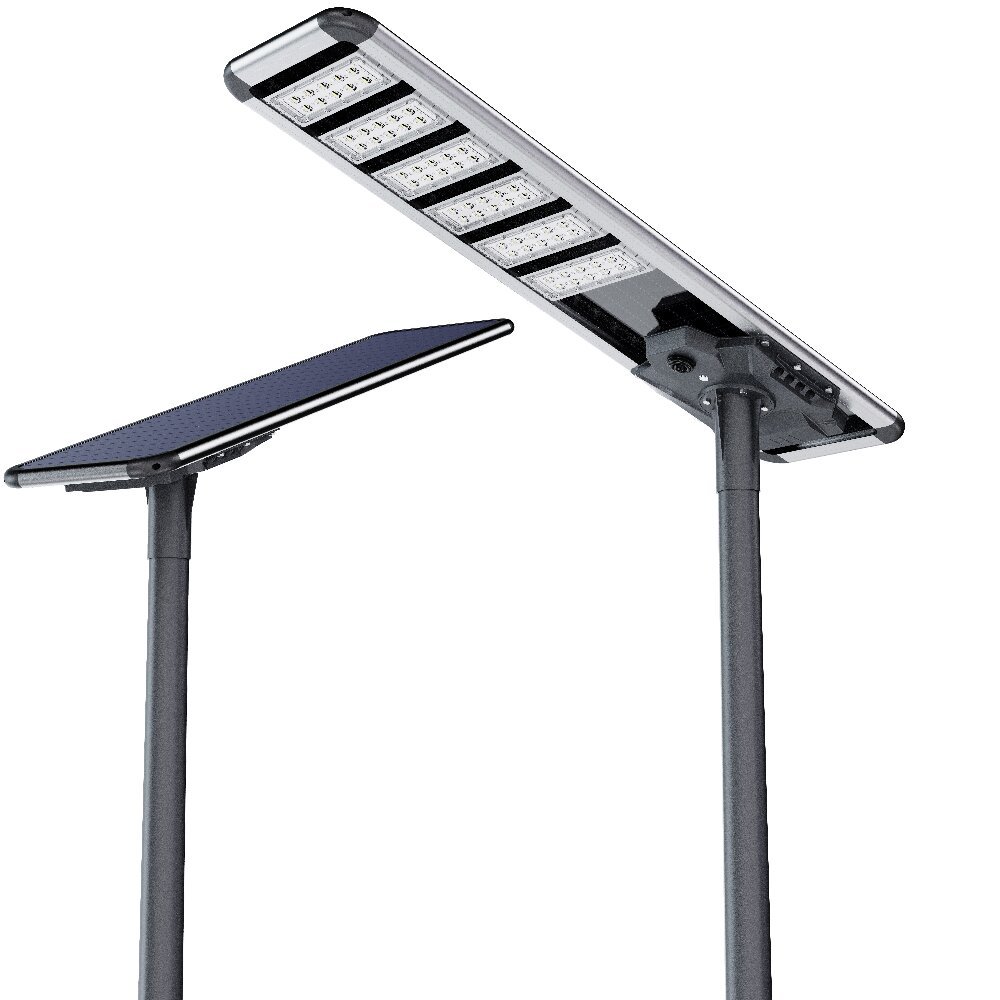
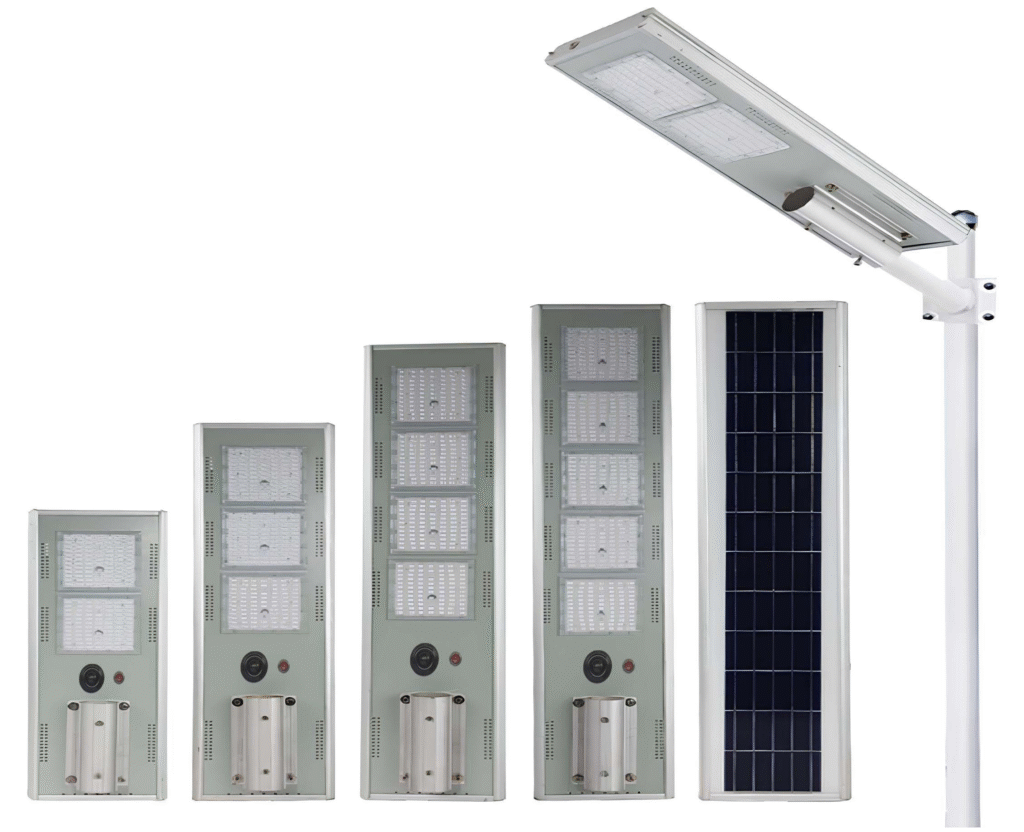
Solar depends on local resource, runtime, dimming, autonomy, shading, component placement and maintenance. Smart control depends on the selected controller, network/platform and operating plan. View Solar Systems · View Smart Street Light.
Define occupied hours, reduced-activity periods, entrances, pedestrian routes, loading/events, specified emergency/security modes, manual override and maintenance access. Always-on operation may be operationally simpler for some sites, but it is not automatically safer or more suitable.
Useful review follows: site geometry → zone boundaries → mounting → target criteria → candidate model/optic → matched IES/LDT → aiming → maintenance factor → calculation review. Request DIALux / Relux Review · Request Model-Matched IES / LDT.
Generic guides may be public. Actual IES/LDT, project calculations, matched datasheets, drawings, BOQ compliance, deviations, full certificate/test sets and tender packs remain controlled by model, BOM, project and tender inputs. Submit BOQ for Preliminary Review · View Engineering Support.
Recorded project: three complete 25 m motorized lifting high-mast sets, with eight 600 W luminaires per mast. Status: Completed. Sunlurio/Hitech role: system supply, tender/bid support and engineering/document coordination. Installation was by the client/EPC/local team. View the Cambodia project.
Recorded project: four complete 30 m motorized lifting high-mast sets, with ten 600 W luminaires per mast. Status: Completed. Sunlurio/Hitech role: system supply, tender/bid support and engineering/document coordination. Installation was by the client/EPC/local team. View the Qatar project.
These are direct parking-area records, not universal design templates. No Master-backed campus project is claimed on this page. View More Project References.

Share the site plan, zone intent, mounting positions, target criteria, operating schedule, power/control path and required documents.

Typical constraints by region—coastal, hot, dusty, and heavy-rain environments.
Send a site plan or sketch, mark zones and mounting positions, provide target lighting, uniformity and glare requirements, identify operating/control needs, and attach the BOQ or tender specification where available.
No universal height is stated. Proposed height is reviewed with site geometry, clearance, pole positions, optics, aiming, lighting targets, wind and structural/site conditions.
Street-light distributions may suit repeated circulation routes; flood lighting may suit open or irregular areas requiring controlled beam and aiming. One project can combine both after zone review.
No. Lighting can support project-defined camera and visibility requirements, but recognition depends on the camera system, field of view, scene, exposure/contrast, lighting, installation and commissioning.
Use tender, consultant, local-standard or approved project requirements for each zone. Missing targets remain subject to review.
No. Suitability depends on local solar resource, load profile, runtime, dimming, autonomy, shading, component placement and maintenance.
It may be useful when zones have different operating periods and the selected controller/platform and operations team can support scheduling and monitoring.
Confirmed geometry, zones, mounting, target criteria, candidate model/optic, matched IES/LDT, aiming/orientation and maintenance assumptions.
Not by default. Model-, project-, BOM- and tender-specific files follow controlled release requirements unless separately approved.
They remain available below. Exact model, BOM, optic and project suitability are confirmed before recommendation.
WhatsApp us
Share your project location, road width, pole height, spacing, working hours, backup days, and required documents. Our team can help prepare configuration guidance, datasheets, IES/LDT files, DIALux support when applicable, drawings, and BOQ matching notes.