Skip to content
Drawings + Datasheets Pack for Street Lighting Projects
Download tender-ready drawings and datasheets by product family.
Not sure which version matches your BOQ? Upload your list—we’ll match the correct document set.
Download Rules (Avoid Tender Rejection)
Most rejections happen due to mixed revisions or mismatched model codes. Use the rules below to keep submissions clean.
1
Use one revision per tender
Do not mix old and new datasheets/drawings in the same submission pack.
2
Match model codes to your BOQ
Submit documents only for the exact model family and configuration range quoted.
3
Confirm mounting / interface notes
Check arm/bracket type, wiring entry, and installation constraints before submission.
4
Drawings support the datasheet—not replace it
Use drawings for geometry/interface and datasheets for electrical/spec requirements.
5
Request DWG only when consultants require it
DWG files are provided on request to avoid uncontrolled circulation of editable files.
6
If unsure, request BOQ matching
Upload your BOQ and checklist and we’ll prepare a revision-safe pack.
Tip: If your tender checklist requires editable CAD, request a controlled DWG delivery under NDA.
Quick Access by File Type
Drawings Sample (GA / 2D)
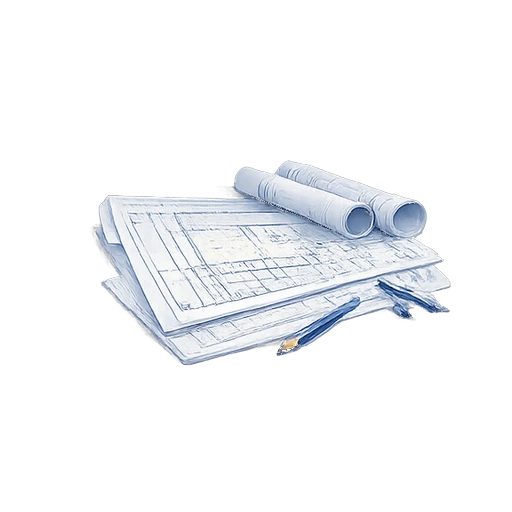
See a typical GA/2D drawing format for mounting, interface, and installation planning.
Datasheet Sample (Specs)
Example datasheet structure showing key specs, configuration ranges, and tender-ready layout.
Installation Notes Sample
Example wiring entry and mounting notes used for site installation and handover.
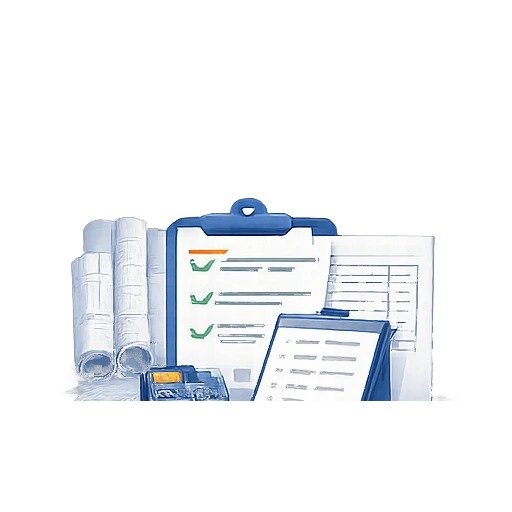
Tender Templates Sample
Example RFQ/BOQ checklist to collect inputs and reduce tender submission errors.
Browse Document Packs by Product
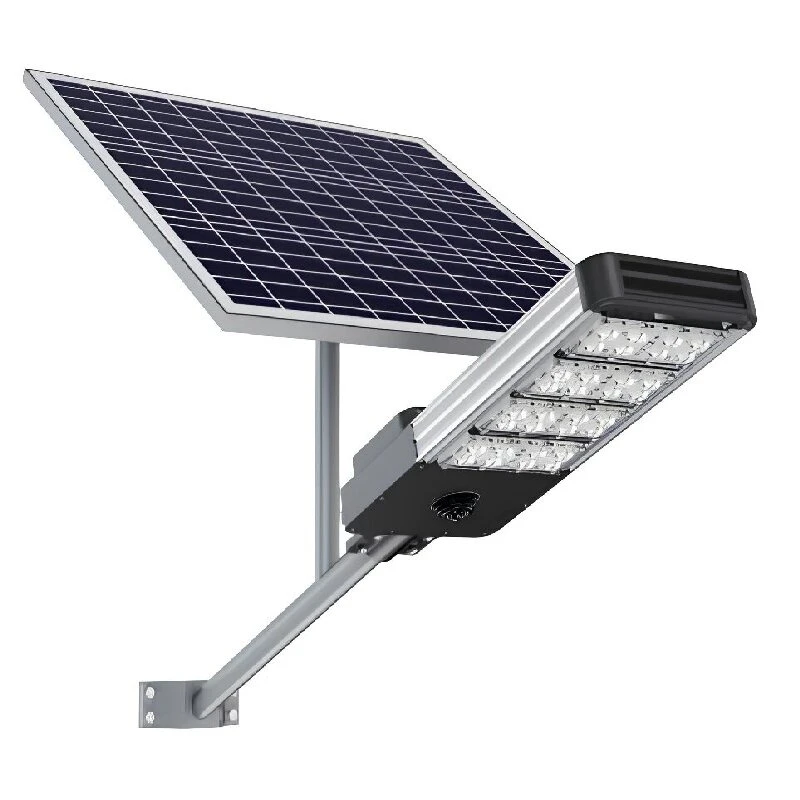
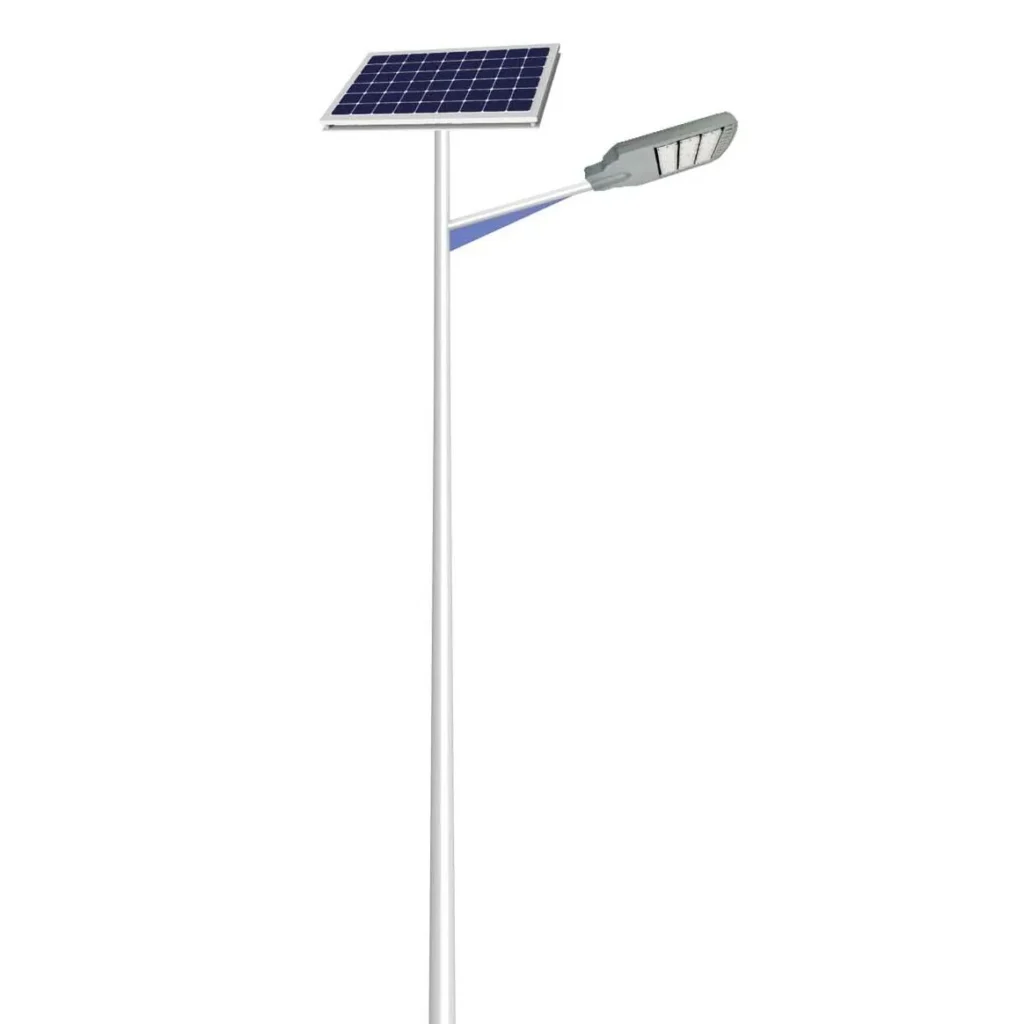
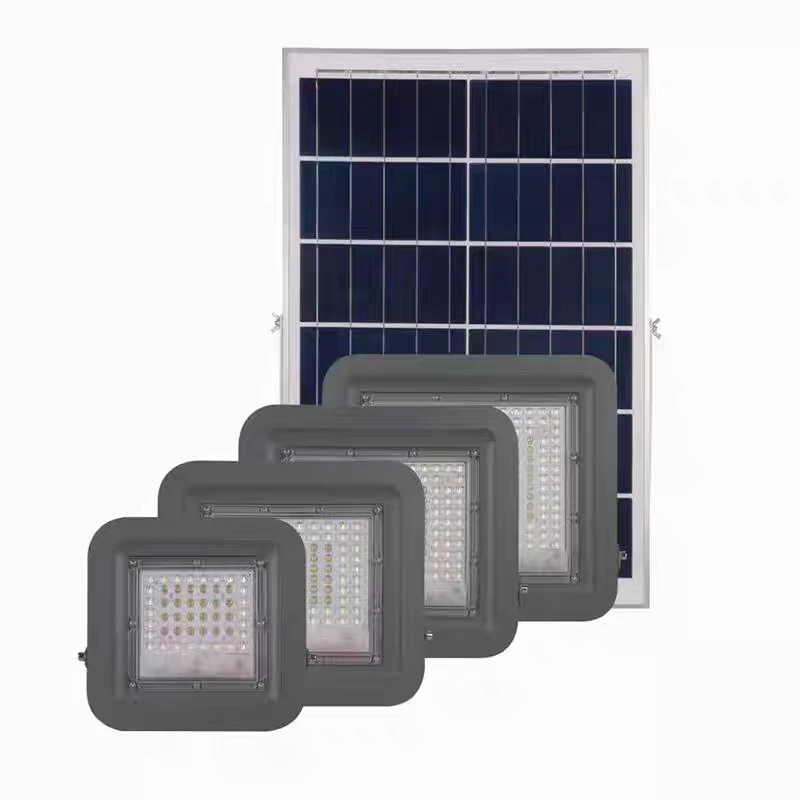
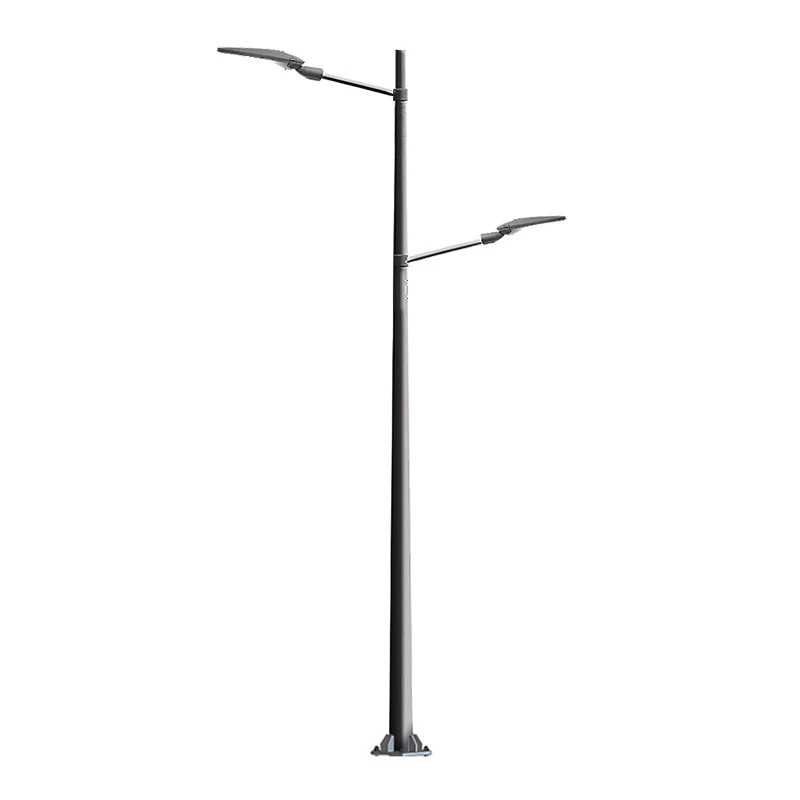
Choose a product family to download a document pack (datasheets + drawings + packing references where applicable).

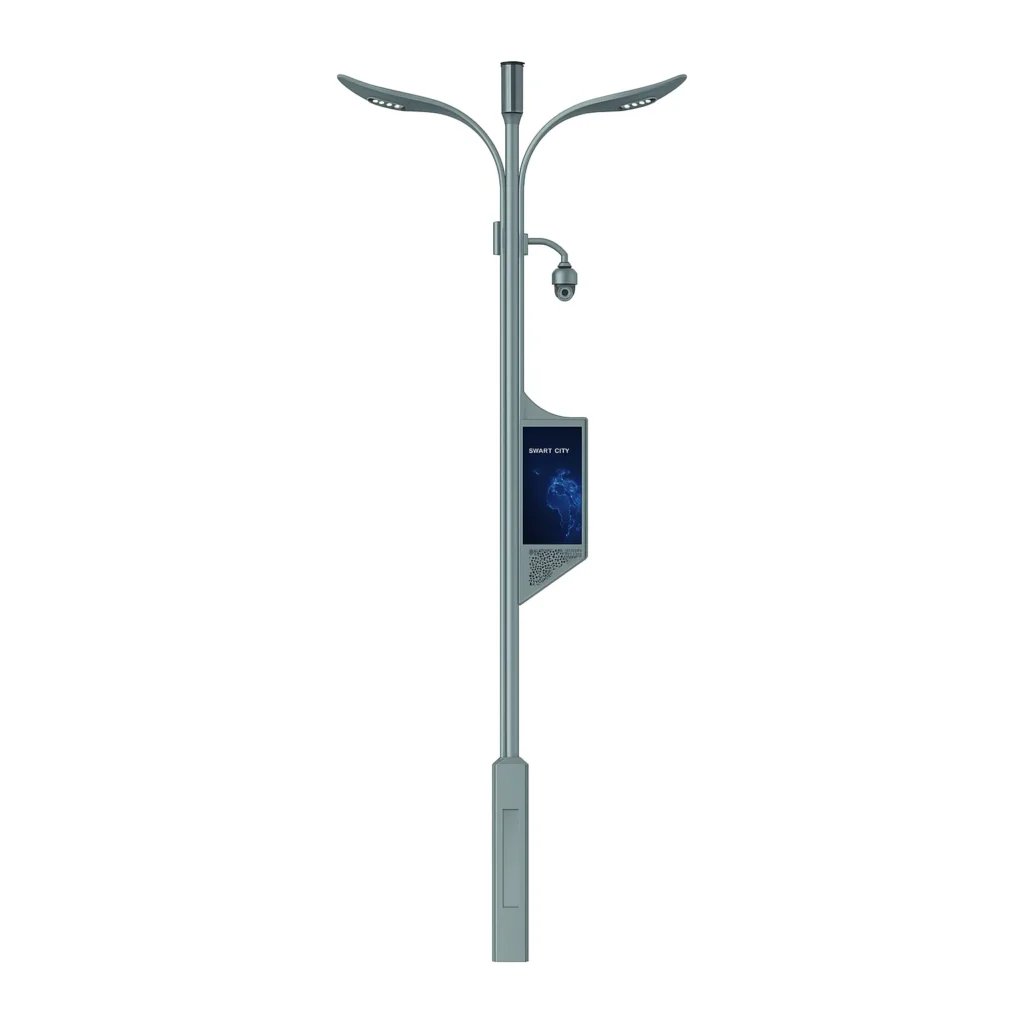
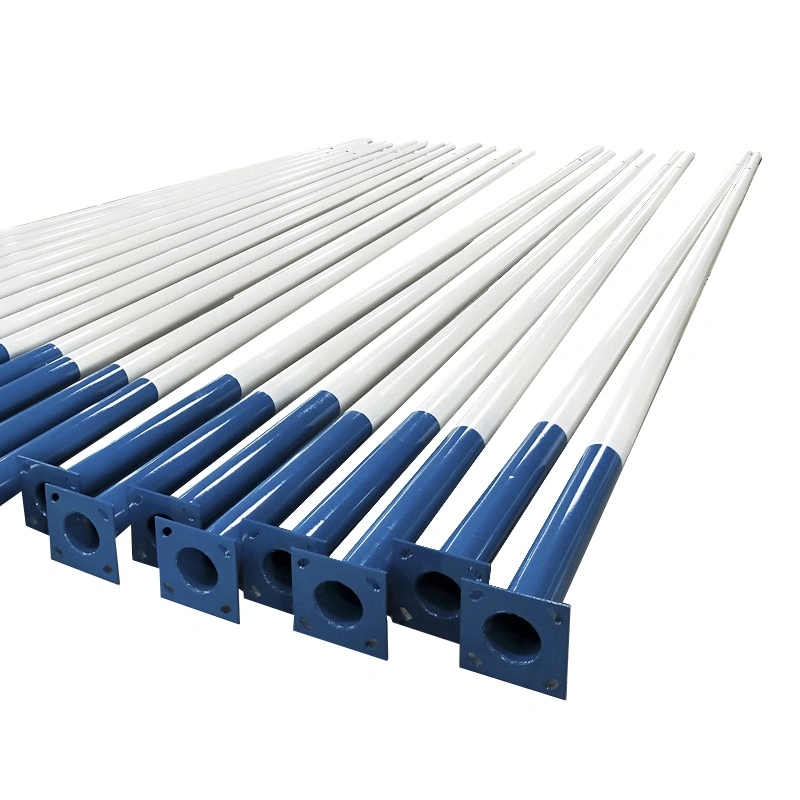
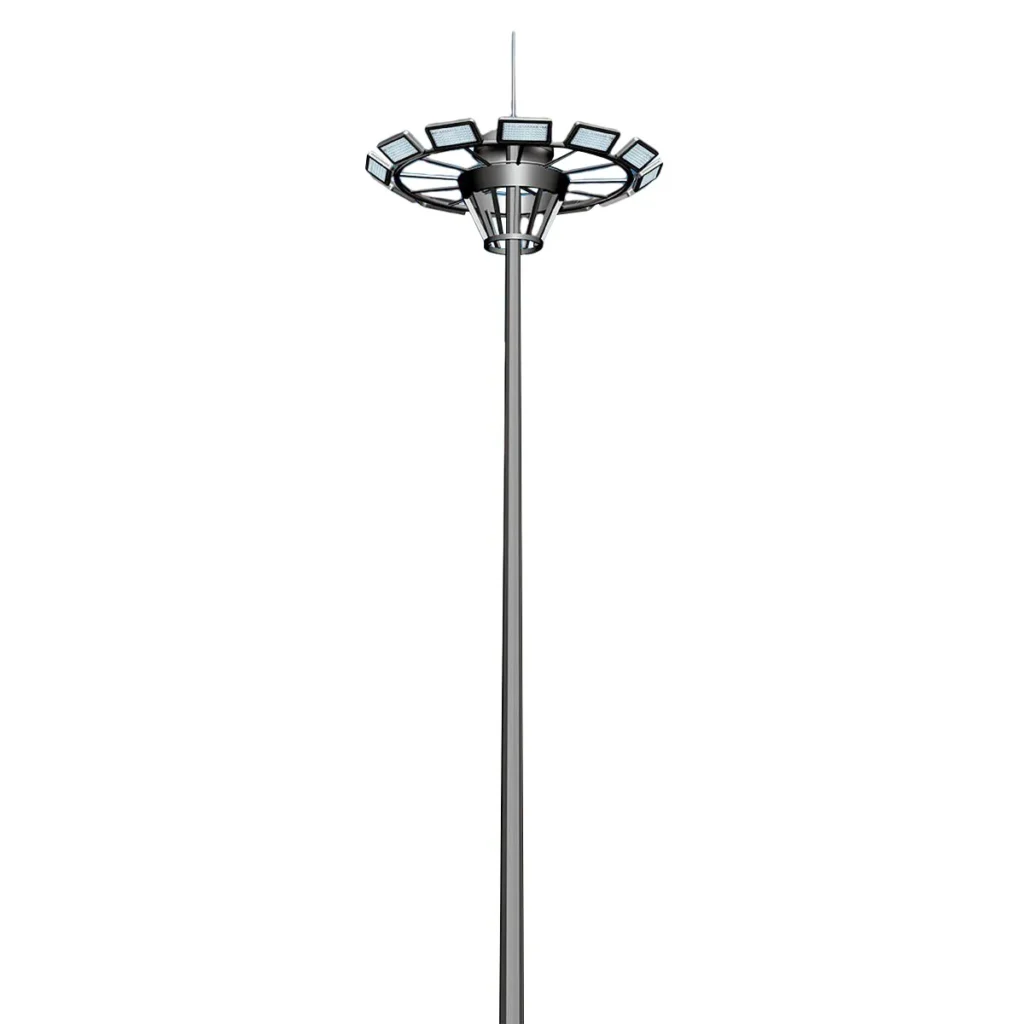
Request a BOQ-Matched Document Pack (24H)
Upload your BOQ, drawings, or model list.
We’ll reply within 24 hours with a revision-safe pack aligned to your submission checklist.
- Matched datasheets + GA/2D drawings (revision-safe)
- Model code confirmation notes (what matches your BOQ)
- Packing list references (carton / gross weight) on request
- Optional: IES/LDT + DIALux/Relux outputs (if required)
- Controlled DWG delivery available (NDA available)
Typical response time: within 24 hours (business days).
Most Downloaded (Fast Access)
Start here if you’re preparing a tender submission, consultant review, or project approval pack.

Installation & Wiring Notes — Site Acceptance Checklist (PDF)
Tender-Ready Datasheet Sample (Redacted) (PDF)
Street Lighting RFQ Inputs Checklist (PDF)
All In Two Solar Street Light Datasheet (PDF)
Sample BOQ Template (XLSX)
GA Drawing Sample (Redacted)
Related Engineering Support
Need project-ready verification files and deliverables? Start from the engineering support hub below.
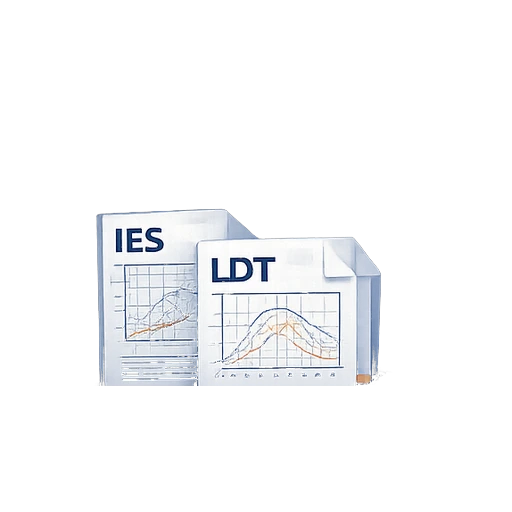
IES / LDT Photometric Files
Get matching photometry files and verification notes used in DIALux/Relux layouts.
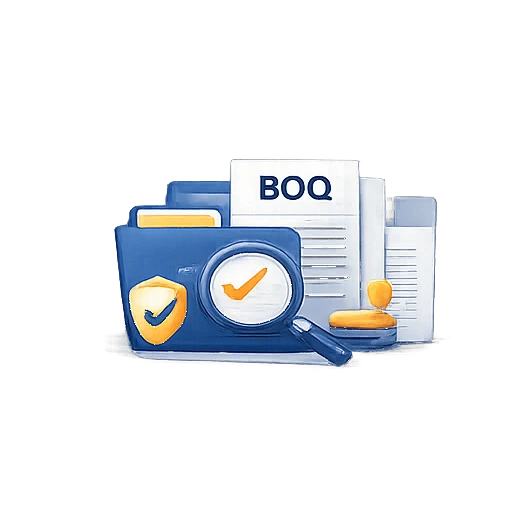
Tender Documents & BOQ
Request tender-ready submission language, BOQ inputs, and what-to-include checklists.
DIALux / Relux Simulation
Get a defensible report with assumptions, results tables, and layouts for consultant review.

Engineering Support Hub
Return to the Engineering Support overview and browse all tender-ready deliverables in one place.
This page is a technical download and document-matching hub. It is not a full product catalog, not a market page, and not a pricing page.
Frequently Asked Questions
Common tender and submission questions for EPC teams and consultants.
Yes. DWG/DXF files can be provided for tender review and construction integration when required. Please submit your BOQ or interface drawing via the form above and specify “DWG required”.
Yes. If BOQ is not available, submit basic project inputs such as road width, pole height, spacing, and mounting constraints. Our team will reply with the most suitable datasheet/drawing/packing list set for your tender stage.
Typical response time is within 24 hours on business days after we receive your submission and attachments.
We do not recommend mixing revisions. It may cause inconsistencies during consultant review or site acceptance. For tenders, use a matched document set from the same revision family.
No. This page is a technical download and document-matching hub. For pricing and quotations, please submit your BOQ or project scope via the form.