
IES / LDT Photometric Files for Roadway Lighting
Request model-specific IES / LDT photometric files for roadway lighting simulations, tender review, and consultant checking. Sunlurio matches files by product family, optics, wattage, mounting condition, and document purpose.
Engineering boundary: IES / LDT files are controlled references. Project-specific files are released after model and project review, not as random public downloads.
IES / LDT File Request Path
Start with the checklist and request a matched file path after basic project review. Public previews show the document structure only; actual IES / LDT files depend on confirmed model, optics, wattage, mounting condition, and document purpose.
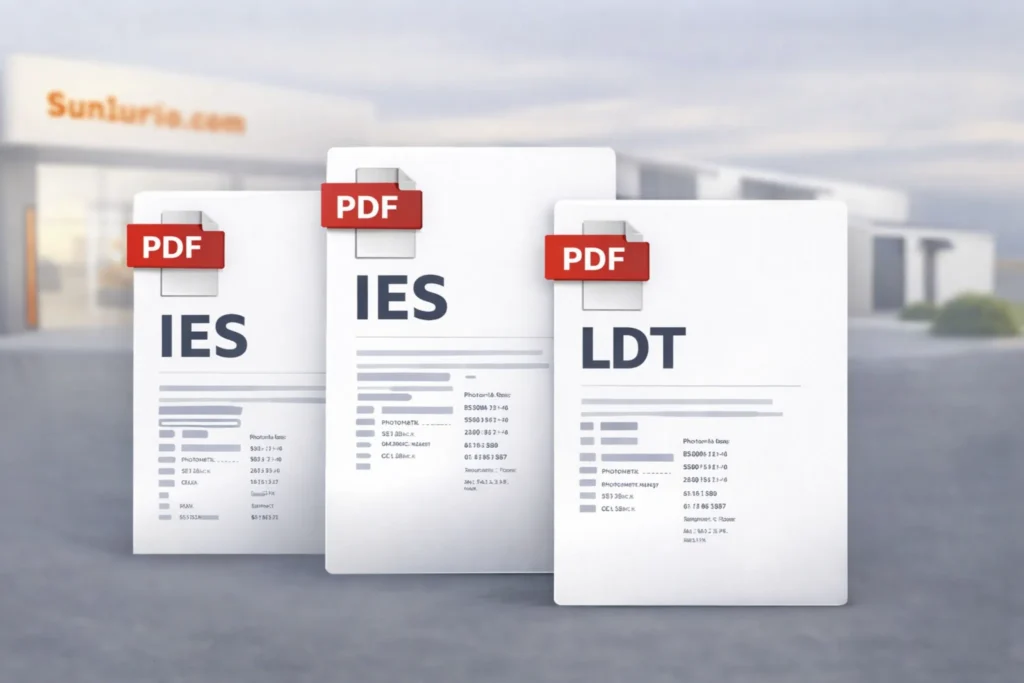
Input checklist before file matching
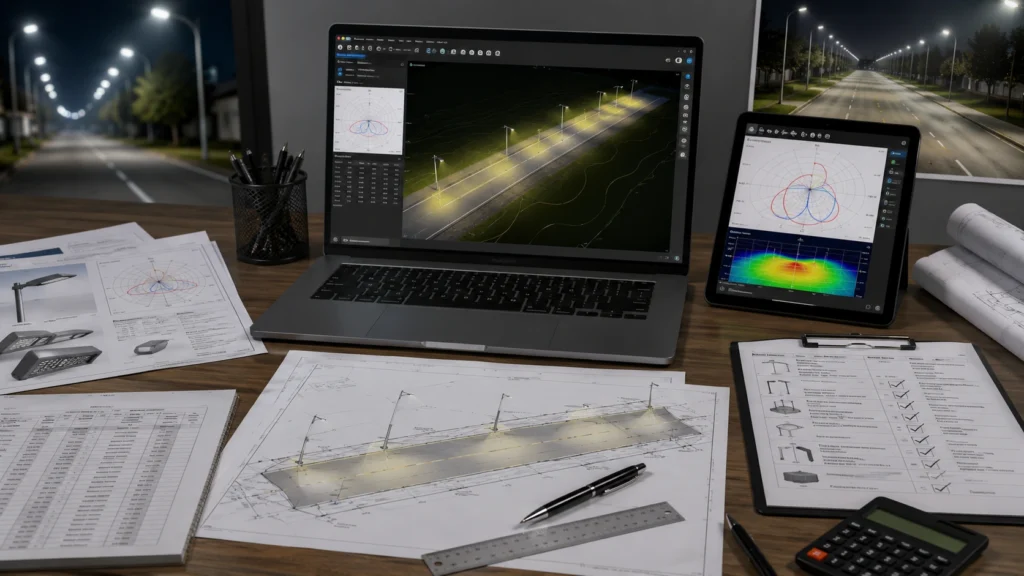
Project-matched IES / LDT delivery preview
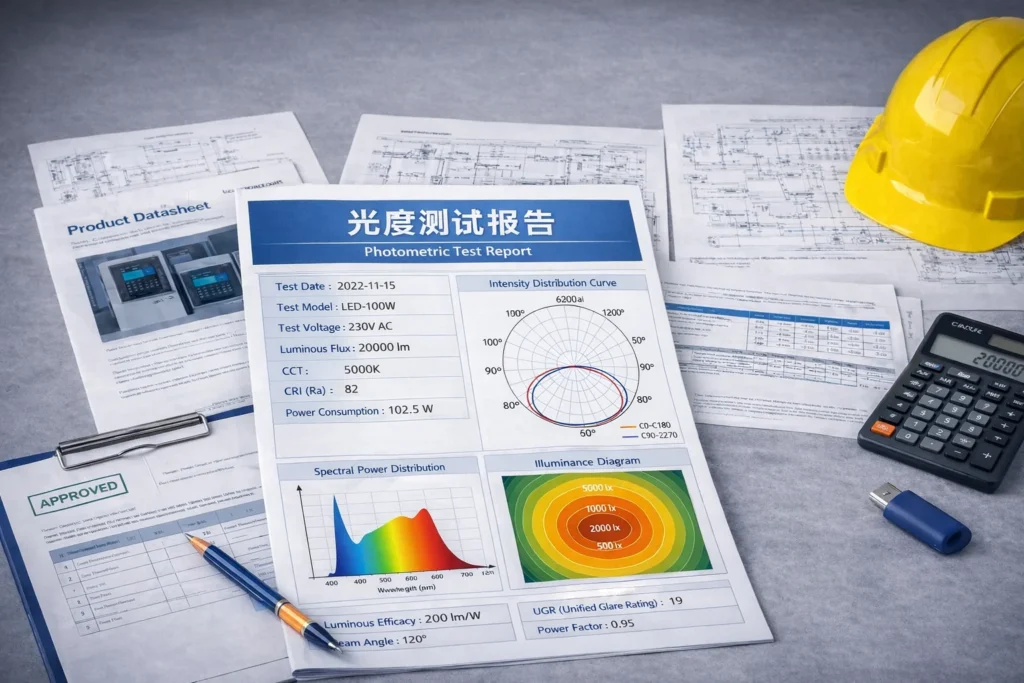
Photometric report / polar evidence preview
Request Project-Matched IES / LDT Support
Inputs needed: product family, model direction, optics or beam angle, wattage, mounting height, arm condition, road or application type, DIALux / Relux use case, and BOQ or tender requirement where applicable. We use these inputs to avoid photometric mismatch and trace the selected file back to the proposed luminaire.
Controlled release depends on complete model, optics, mounting, and project-purpose inputs.
How IES / LDT Files Are Matched
The review path links road geometry, mounting condition, optical distribution, wattage, and document purpose before a matched file path is released for DIALux / Relux or tender review.
1. Confirm Product Family and Model Direction
Confirm product family, model direction, road or application type, and the project purpose before file matching.
2. Match Optics / Wattage / Mounting Condition
Match beam angle or roadway distribution, wattage, mounting height, arm condition, and installation geometry.
3. Confirm File Purpose
Confirm whether the file is for tender review, DIALux / Relux simulation, consultant review, BOQ checking, or internal selection.
4. Release Matched IES / LDT Path After Review
Release the matched file path after review. If layout, spacing, mounting, wattage, or optics change, the file should be checked again.
Related Resources
Use these related paths when the IES file must connect to a BOQ, datasheet, DIALux report, drawing package, or tender submission. Related paths: DIALux / Relux Support, Drawings & Datasheets, Tender / BOQ Support, Submit Project RFQ, and Resource Center.
Engineering White Papers
Reference notes for optics, maintenance factor, poles, batteries, and tender review.
Tender / BOQ Support
Match IES file requirements with BOQ lines, model codes, and tender clarification notes.
Datasheets & Drawings
Connect photometry to model datasheets, mounting drawings, poles, and approval references.
Installation Manuals
Use wiring, installation, commissioning, and handover references after the file path is confirmed.